What you can do in Vidorena
Business



What you can do in Vidorena
Business
Slides
Describe the presentation.Start with a complete, on-brand deck.
Presentation Brief
Build a launch deck for a new local delivery service.
Audience · Investors
Tone · Clear and confident
Length · 10 slides

AI Deck Assistant
Outline complete. Applying the brand and creating supporting visuals.
Your ideas deserve a complete first draft.AI handles the heavy lifting. You shape what matters.

Opening
Narrative

Evidence

Close
Build the deck around the work.Start with the presentation type, audience, and desired outcome.
Pitch Deck
Explain the opportunity, product, traction, and ask with a clear investor-ready narrative.
Proposal
Turn a client brief into a structured, branded recommendation and scope.
Report
Transform findings and metrics into a visual story that is easier to understand.
Presentation
Build talks, lessons, internal updates, and meeting decks around one focused message.
AI builds the narrative.Every slide stays available for editing.
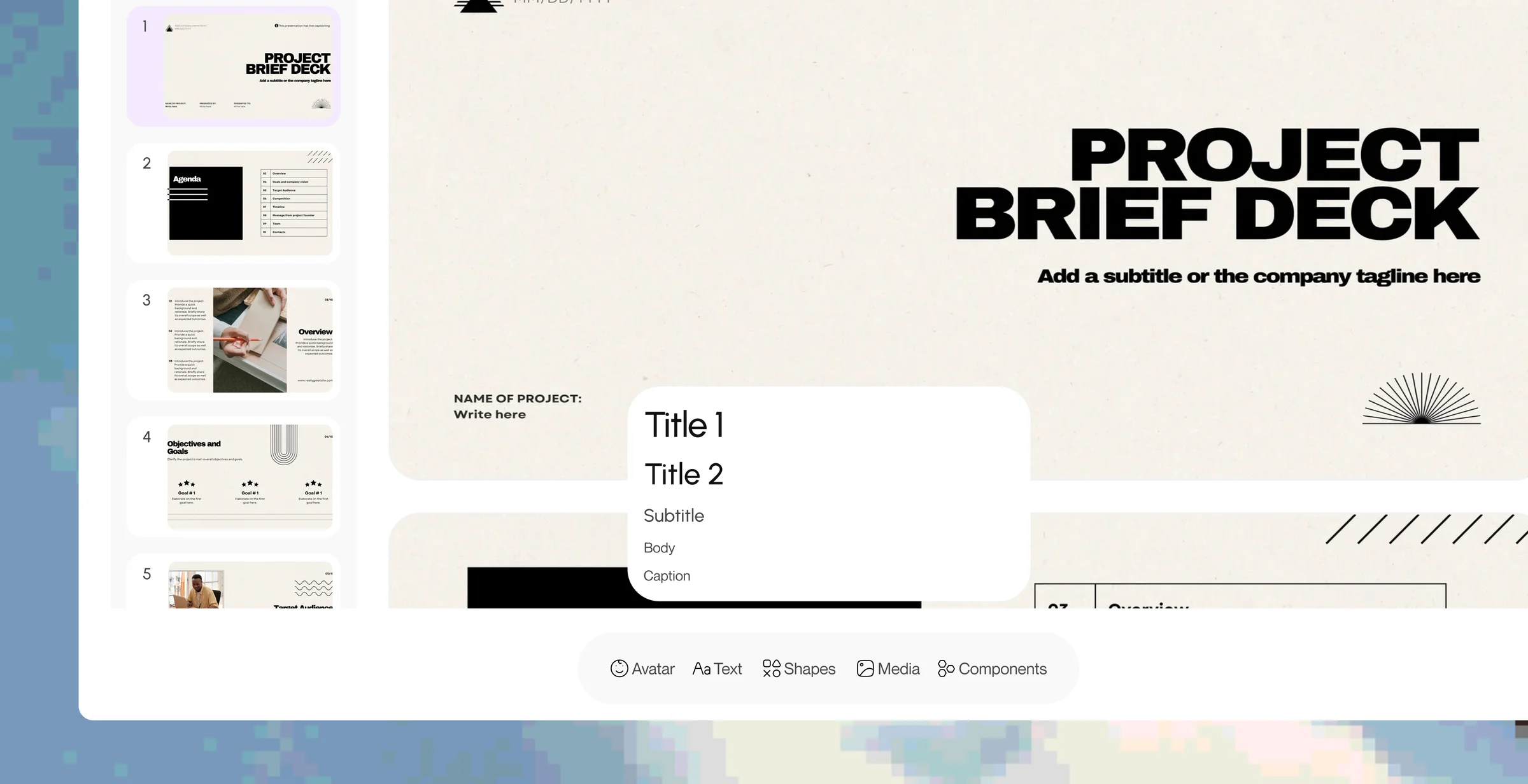
Move from a prompt to an outline, complete slide copy, branded layouts, and supporting visuals without surrendering control of the deck.
Outline The Story
AI turns the topic, audience, and goal into a coherent presentation structure.
Write The Slides
Generate concise slide copy, titles, speaker direction, and supporting points.
Apply The Brand
Use the workspace typography, colors, logo, voice, and visual language automatically.
Create The Visuals
Generate or add images, charts, diagrams, and supporting creative where the narrative needs them.
Refine The Copy
Shorten, expand, rewrite, or change tone without rebuilding the surrounding slide.
Edit Every Detail
Reorder slides, change layouts, replace content, and keep full control over the finished deck.
Present the idea, not the effort behind the deck.
Generate the starting point quickly, refine the story with your team, and export or present the finished work when it is ready.