
What you can do in Vidorena
Business



What you can do in Vidorena
Business
Schedule Posts
Make the post now. Send it when your audience is online.Write it, add the visuals, and pick the perfect time to publish.
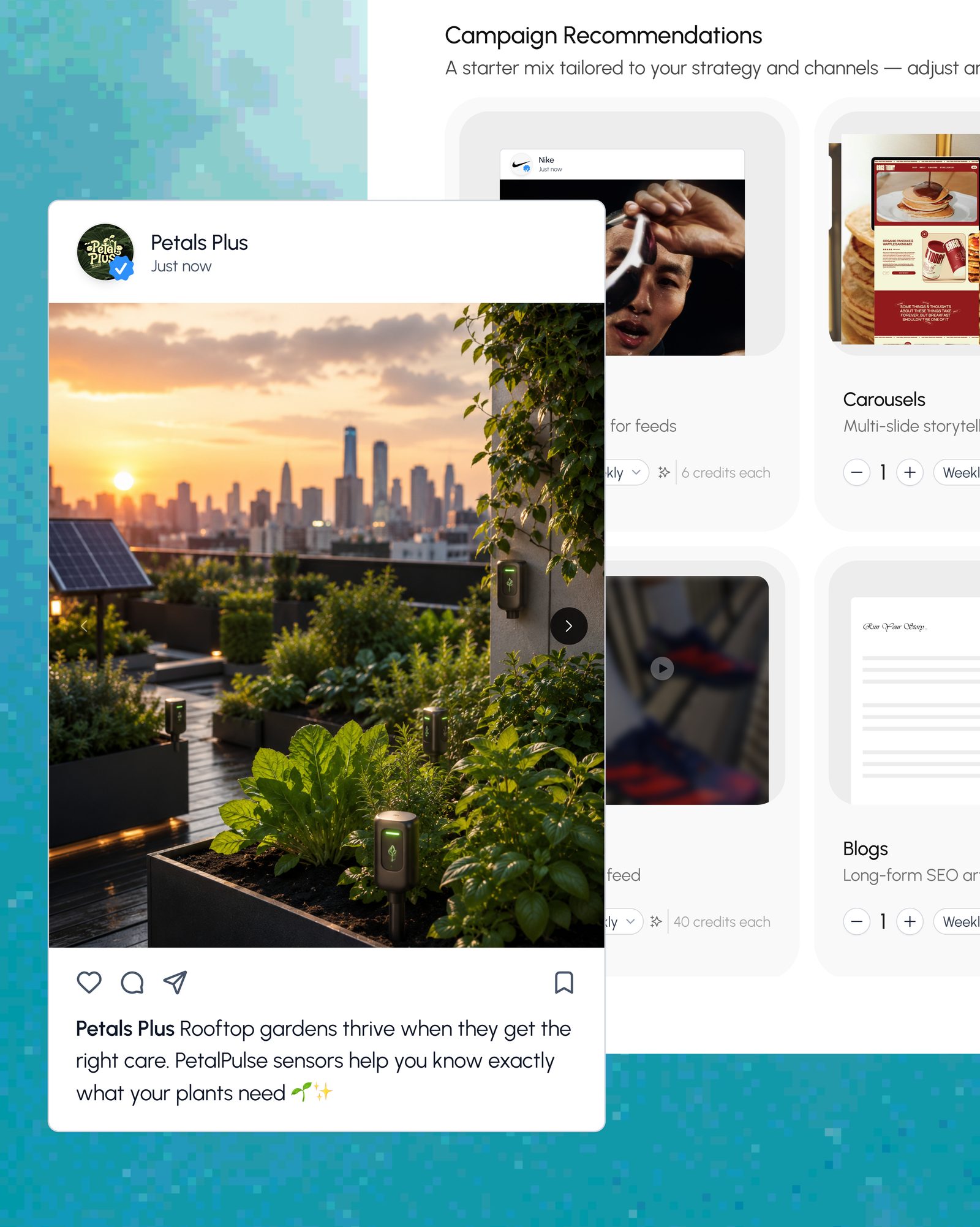
Post a one-off, or add to a bigger campaign.Create a single post on its own, or as part of a larger plan.
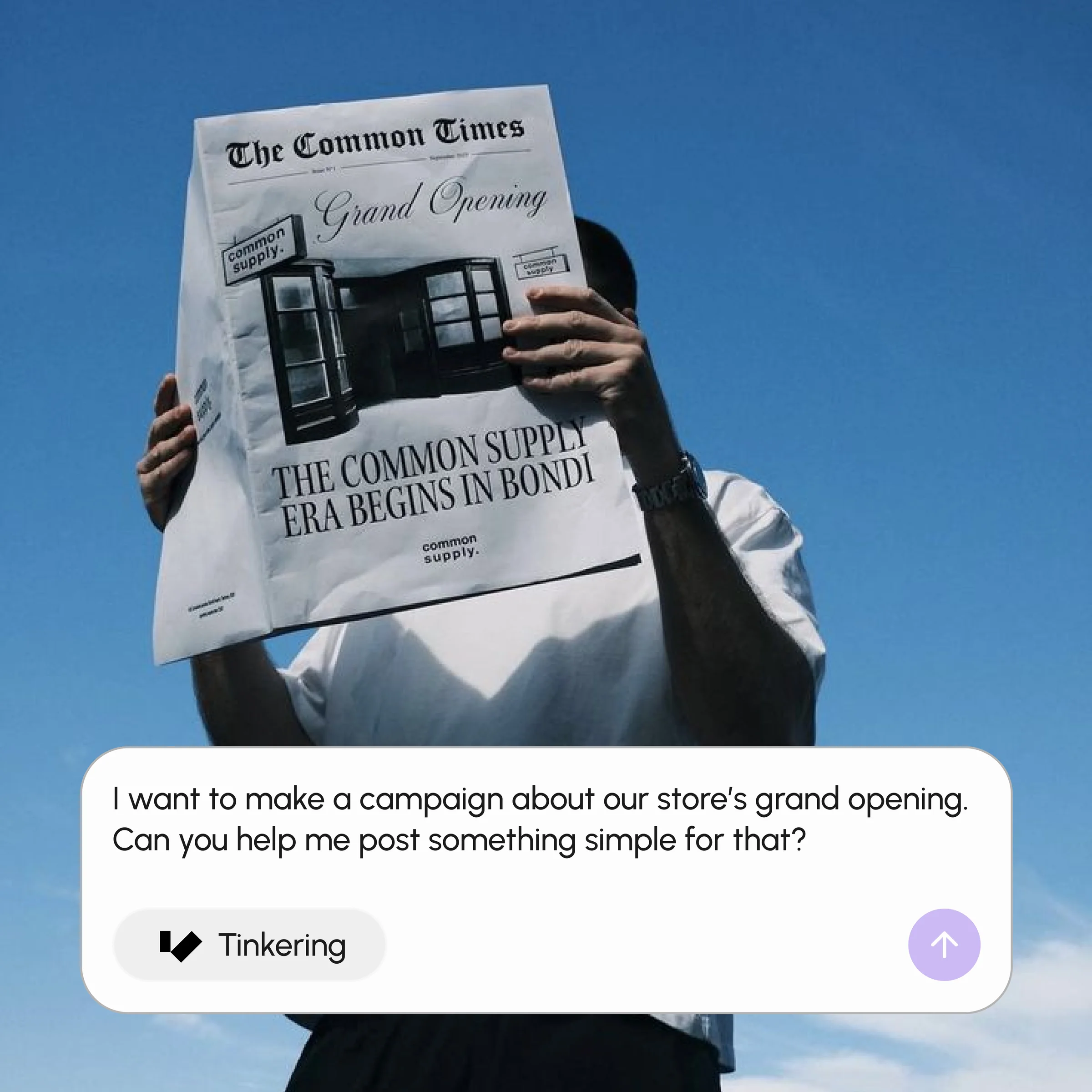
Bring The Idea
Write the post yourself, start from something you already have, or ask AI for an angle when you're not sure where to begin.
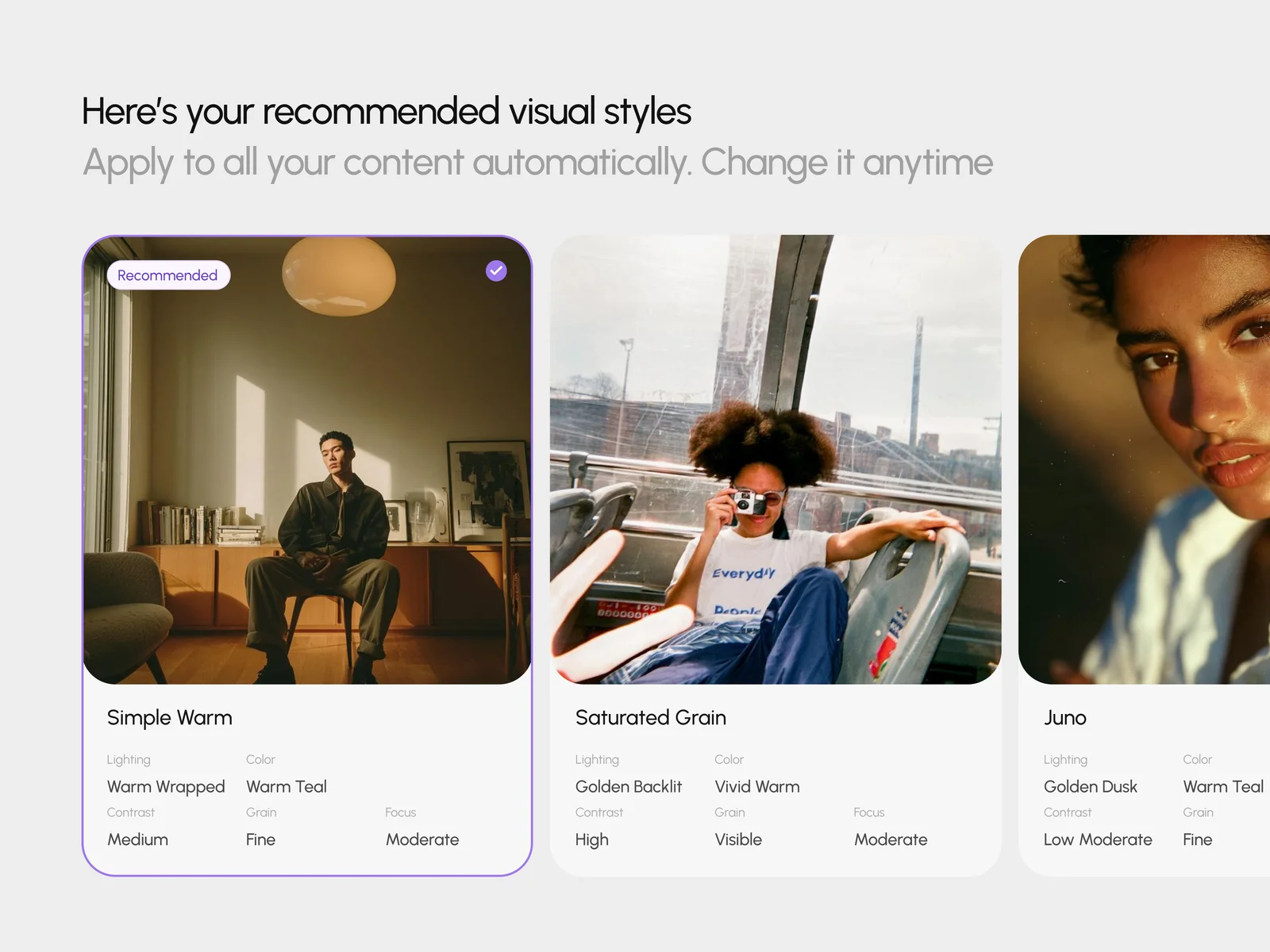
Add The Visuals
Create the images and video right here, edit them, and keep everything attached to the post.
Everything you need to prepare a post.From the idea to the scheduled post, without switching tools.
Ideas When You're Stuck
Get suggestions for post angles and formats when you don't know where to start.
The Best Time To Post
AI suggests a stronger time to publish for your channel and audience.
Make The Images And Video
Create visuals built specifically for this post, email or blog.
Tidy Up The Visuals
Adjust generated or uploaded images before they're queued to go out.
Pick Where It Goes
Choose the social, email and website accounts you've already connected.
Save As A Draft
Keep unfinished work, come back later, and only publish when it's ready.
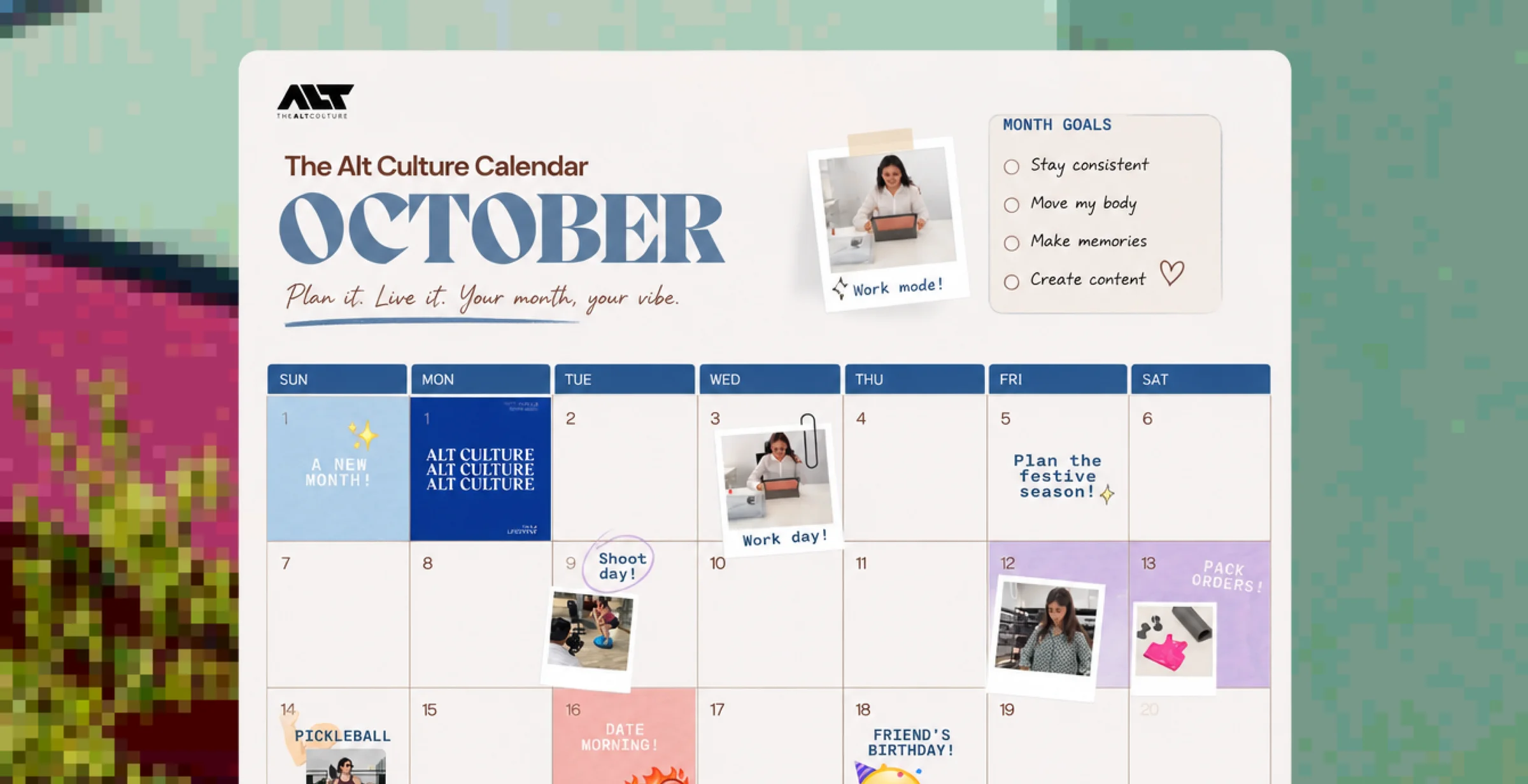
Run your whole calendar from one place.Schedule, move, edit or pause posts without losing their visuals.
Create The Post
Pick a social post, email or blog and write the message and visuals.
Choose Where And When
Select the channels, confirm the format, and set the time to publish.
Manage The Calendar
Move a post, edit it, keep it as a draft, or publish it early if plans change.
Keep your posting on track.
Create one-off posts and campaign extras with the same brand, the same visuals attached, and your approval on everything.