
What you can do in Vidorena
Business


What you can do in Vidorena
Business

Long Videos
Build the whole story.Keep control from script to final cut.
Start with the story.Set the rules before production begins.
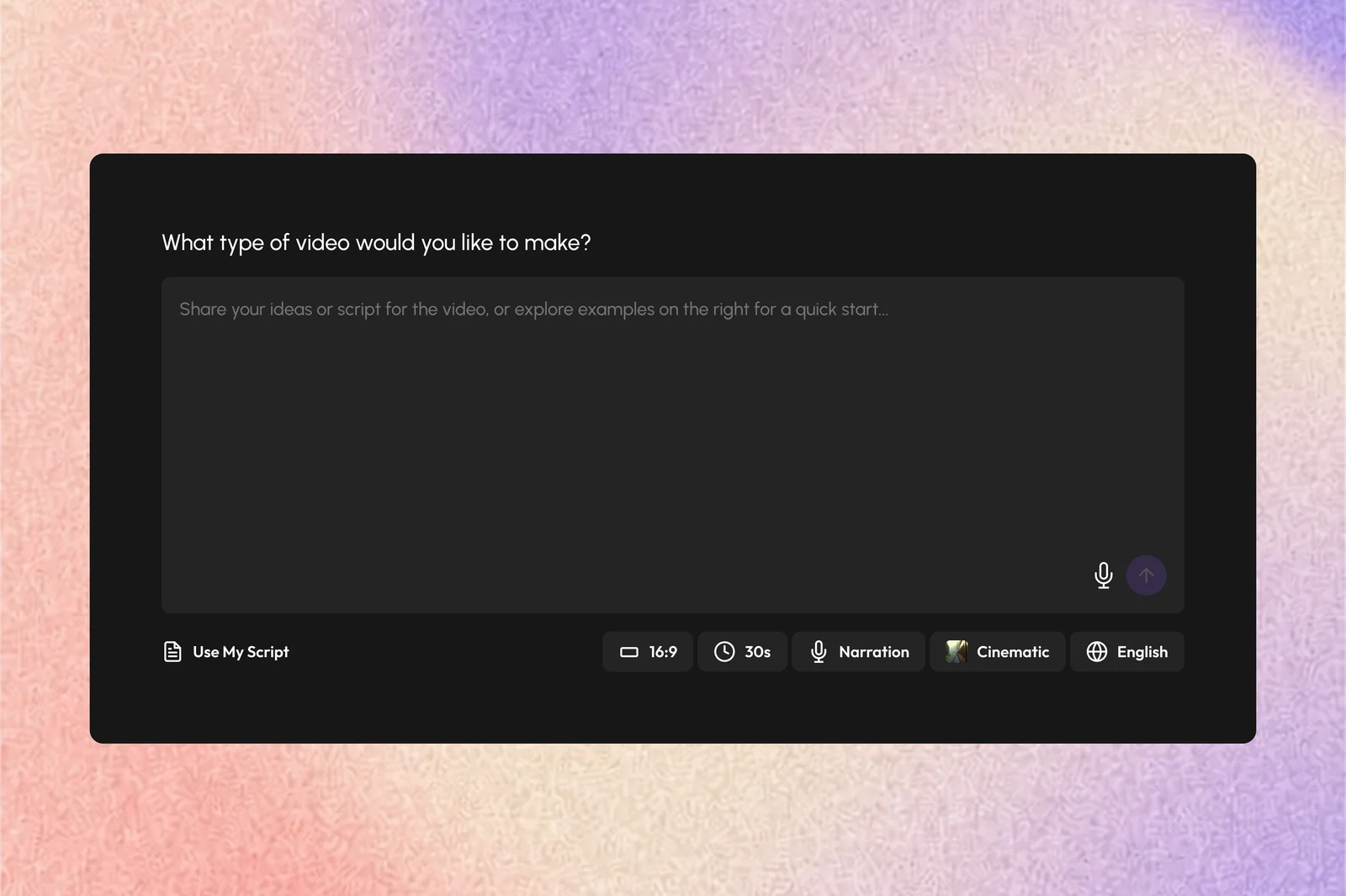
Start With An Idea
Choose an example direction or describe the complete video you want Vidorena to develop.
Bring Your Script
Paste an existing script when the structure, dialogue, and story already need to remain yours.
Set The Format
Choose the aspect ratio, visual style, narration or dialogue approach, and any existing style preference.
Image Models
Seedream, Nano Banana, GPT Image, Midjourney, MiniMax, and Kling
Video Models
Google, MiniMax, Wan, Seedance, and Kling
Voice & Audio Models
ElevenLabs and Vidorena's recommended audio workflow
Choose how involved you want to be.Trust the assist or direct the production step by step.
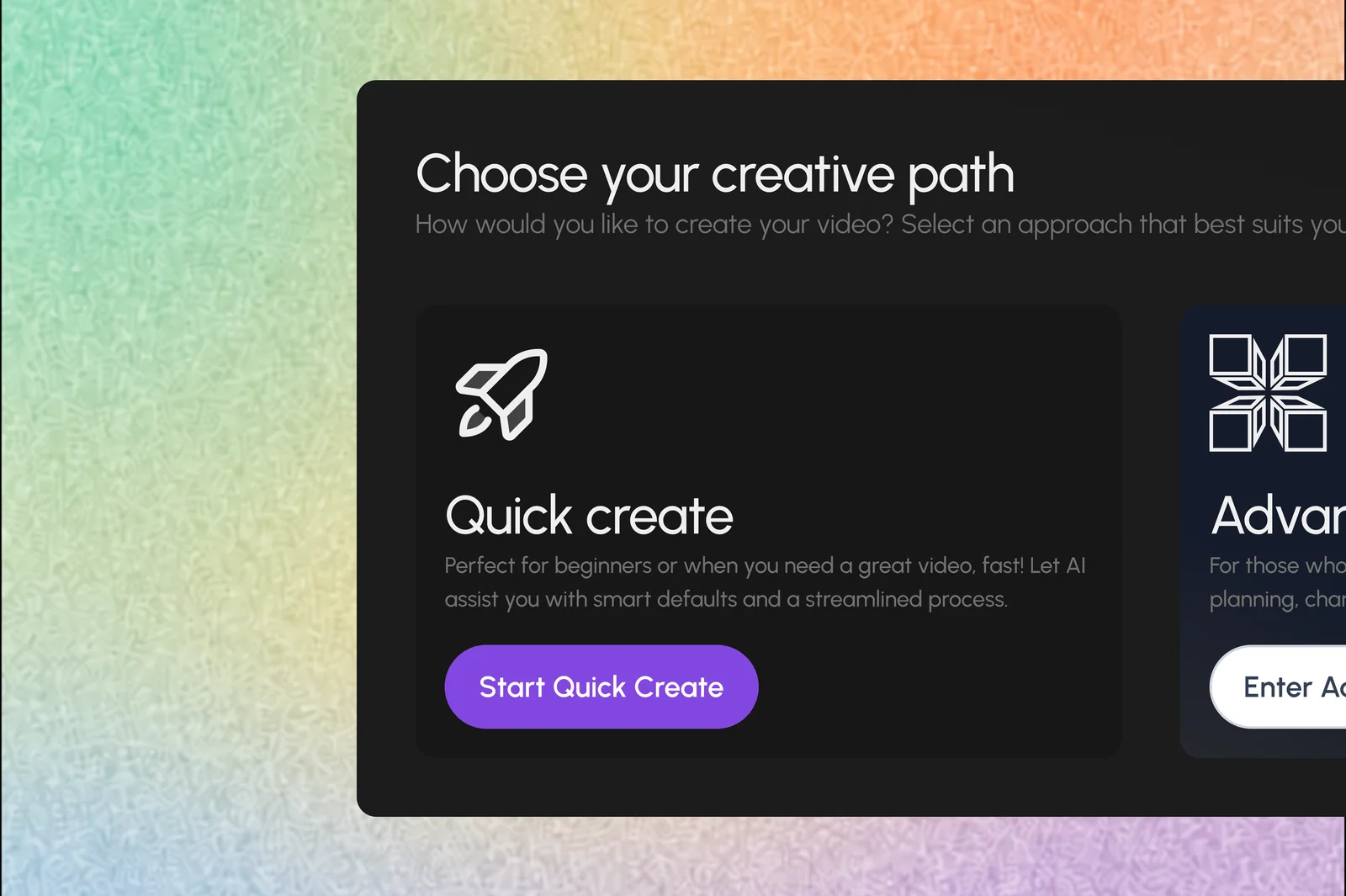
Quick Assist
Confirm the direction and let Vidorena develop the structure, cast, scenes, visuals, voice, and edit with minimal intervention.
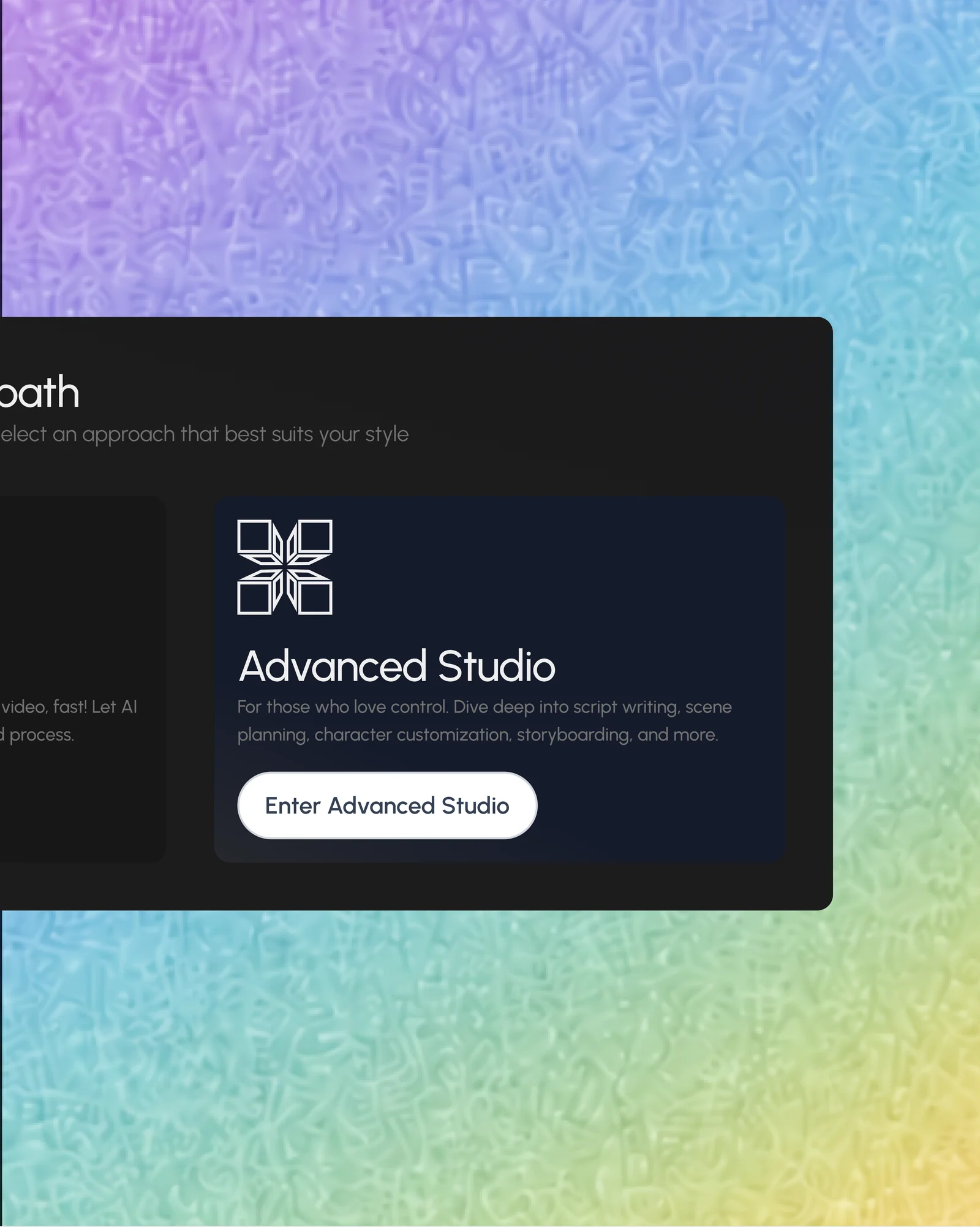
Step-By-Step Studio
Review the story analysis, shape the cast and world, approve storyboards, test a chapter, and finish the film on the timeline.
Analyze the story before generating it.Shape the world while changes are still inexpensive.
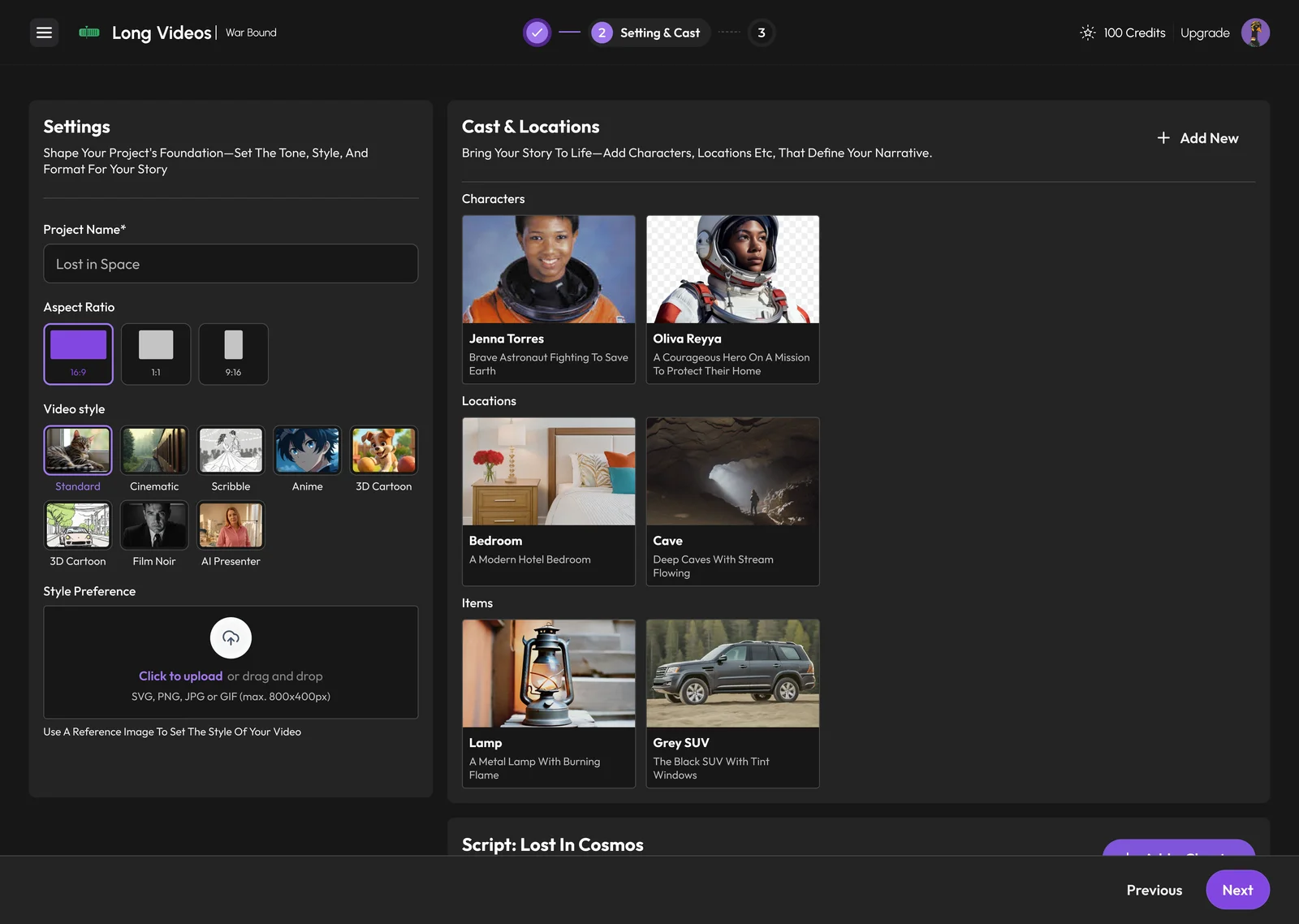
Characters
Review the cast, refine appearances, clothing, and identity before they move across scenes.
Locations
Shape the environments, time, atmosphere, and visual details that define the story world.
Items & Props
Confirm the objects the narrative depends on and keep them consistent throughout production.
Chapters
Edit the generated story structure, add chapters, and control how the full narrative is divided.
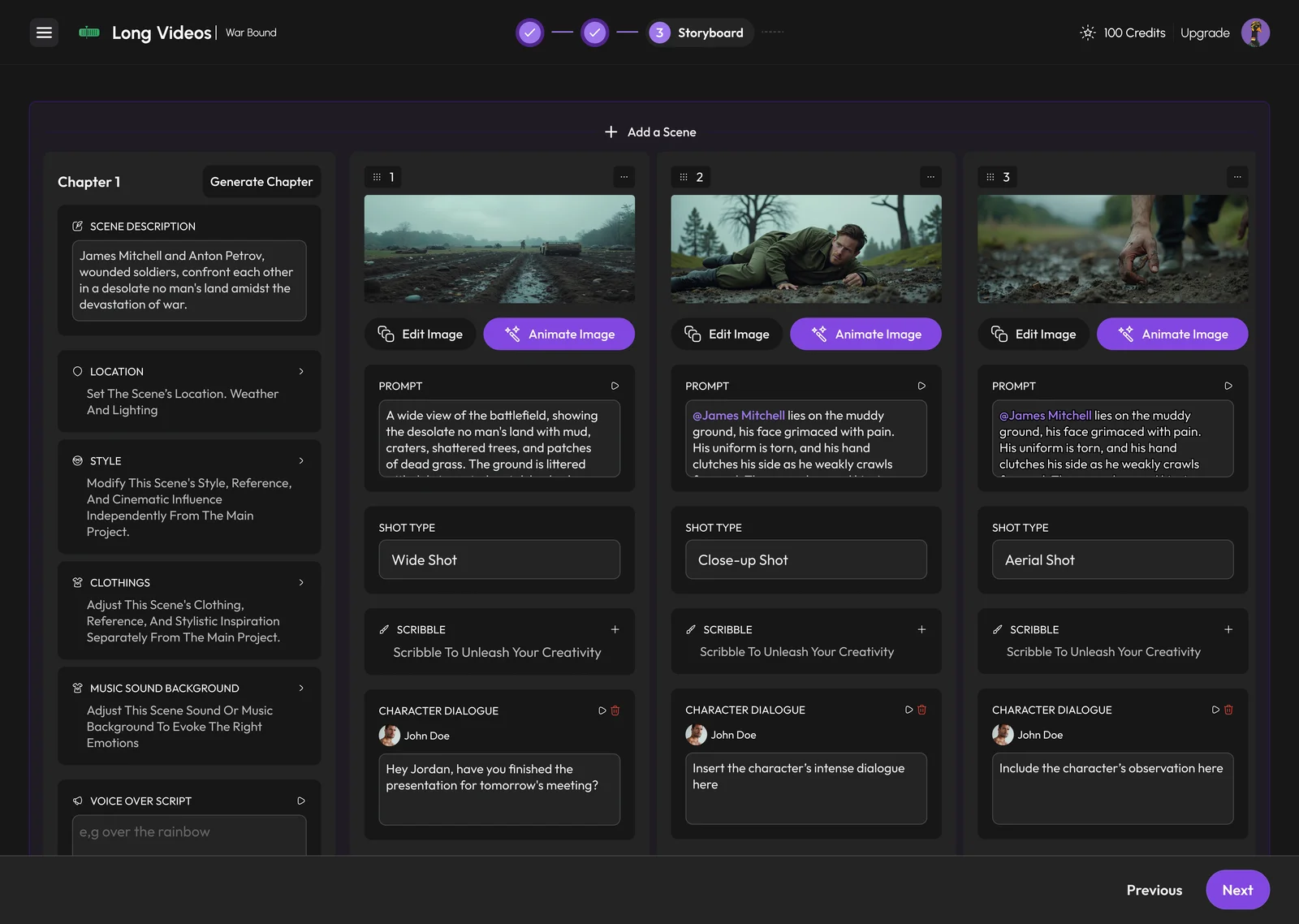
Review the storyboard.Approve the visual plan before spending credits on video.
See the scene breakdown, adjust compositions and images, then generate one chapter first to confirm the direction works.
Finish on a full AI timeline.Edit the film without leaving the production system.
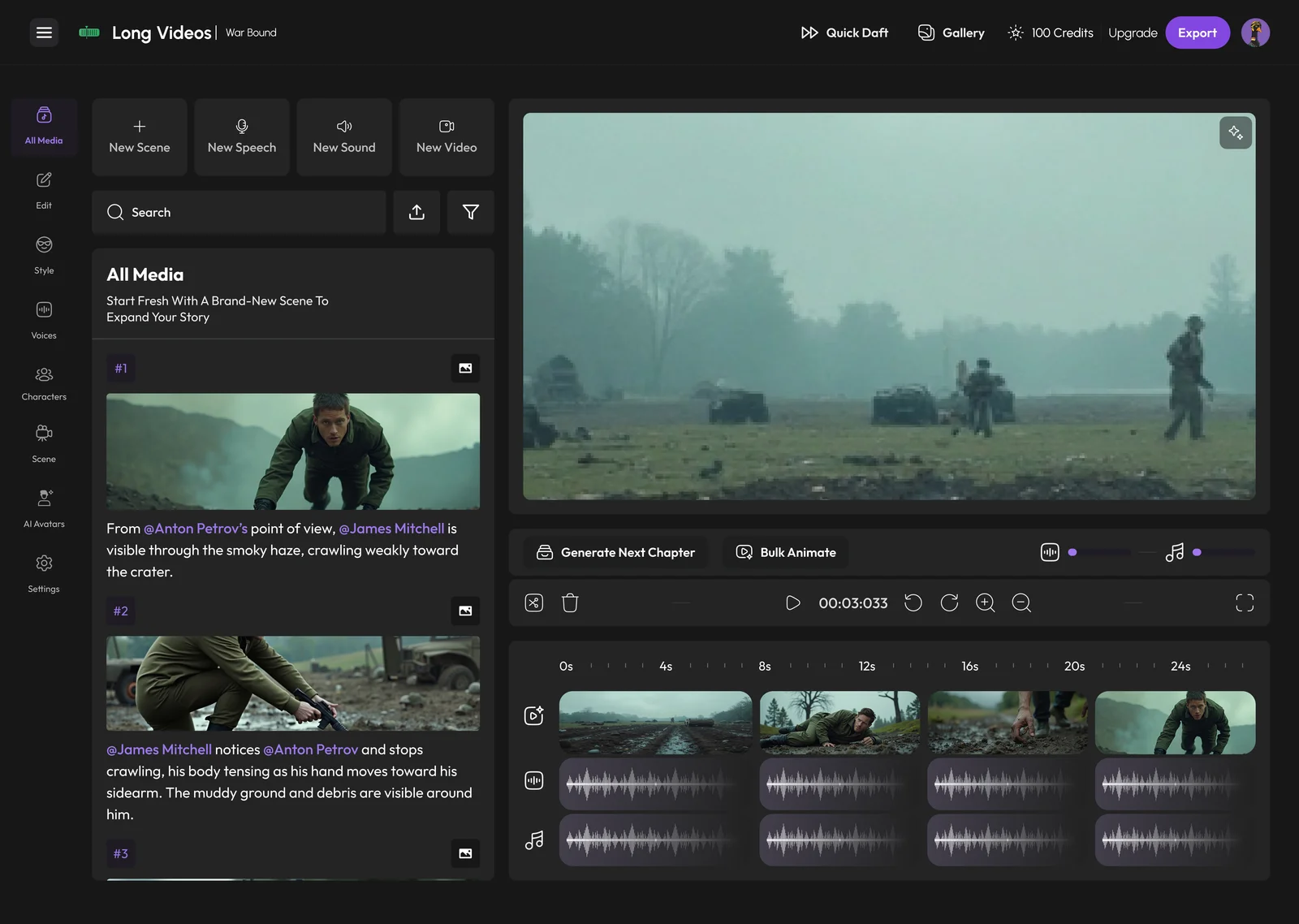
Edit Every Scene
Change styles, characters, locations, images, and generated video without rebuilding the whole project.
Work Across Tracks
Add scenes, video, speech, music, and sound, then drag and trim clips directly on the timeline.
Generate In Bulk
Animate approved storyboard images together or generate the next chapter when the current one is working.
Switch Models
Change the image, video, or voice model for future generations while keeping the project intact.
Export on your terms.Set the quality, format, and who can see the finished work.
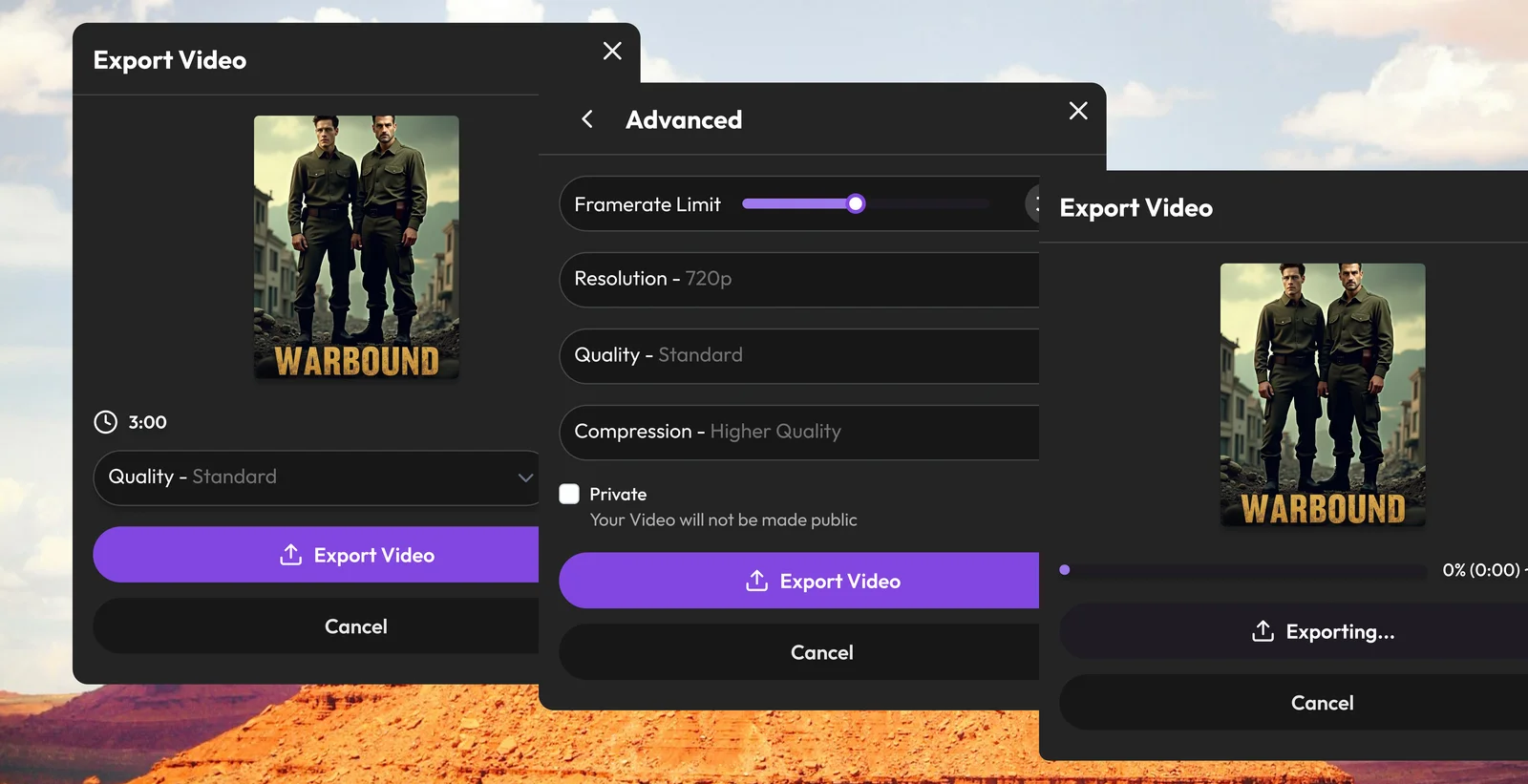
Prepare the finished film for the screen, quality, and audience you choose.
Format
Choose the output format and aspect ratio needed for the final destination.
Quality
Set the final quality level after the edit and generated chapters are approved.
Visibility
Keep the finished video private or publish it to the Vidorena community.